
SouthBridge Consulting Blog
SouthBridge Consulting has been serving the Texas area since 2015, providing IT Support such as technical helpdesk support, computer support, and consulting to small and medium-sized businesses.


What happens when your company configures something on its infrastructure incorrectly? It turns out, according to a recent data leak, that a lot can go wrong, especially in regards to cybersecurity and the privacy of sensitive records. The affected software was not an unknown third-party application, but was actually Microsoft! How did one of the world’s largest software developers put out software that potentially exposed millions of records? Let’s dig into the details.
0 Comments
For small businesses with limited budgets and workforces, getting the type of maintenance needed to keep complicated pieces of machinery and technology in tip-top shape seems like a tall order. Sometimes it might be a budgetary issue, where it costs too much to hire in-house staff to handle this burden. Other times it might seem like you just can’t find any talent in your location. Thanks to modern technology—remote monitoring and management technology, in particular—you are no longer stuck by these limitations
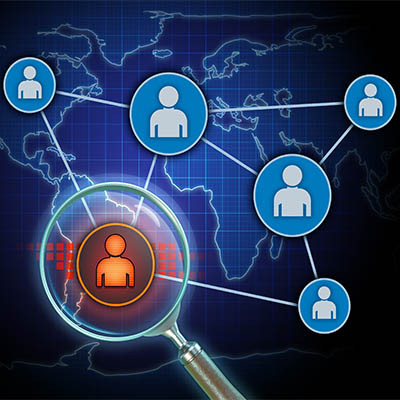
It’s easy to focus on threats that are external to your business, like viruses and malware that are just waiting to infiltrate your network, but what about threats that exist from within? While insider threats are not particularly common in the dramatic, over-the-top way that they are made out to be in movies and media, they are still a very real issue that should be addressed by your organization’s network security protocols.
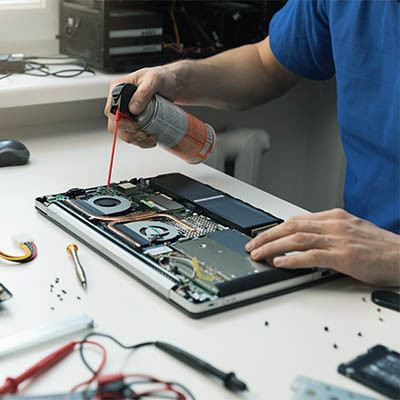
Regular computer maintenance is part of maintaining healthy IT infrastructure, but one aspect that can often go by the wayside is keeping your computer physically clean. By this, we mean keeping it dust-free, clean and tidy. We’ve put together a shortlist of everyday actions that employees of any caliber can use to keep their workstations clean. This will help your organization take preventative measures over time and (hopefully) prolong the lifespan of your business’ technology.

With Microsoft announcing that the Windows 11 release is right around the corner, most users will be looking to upgrade to hardware that supports it. This is a topic for another day. As we approach the Windows 11 launch, Microsoft is gearing up to retire one of its most controversial (and ultimately innovative) operating systems to date, Windows 8.1. Today, we thought we’d talk a little bit about the mixed bag Windows 8.1 is and how it will be important to move off of the software by January 2023.